DOCS / HOW-TO GUIDES / FURNITURE
Add drawers to a carcass
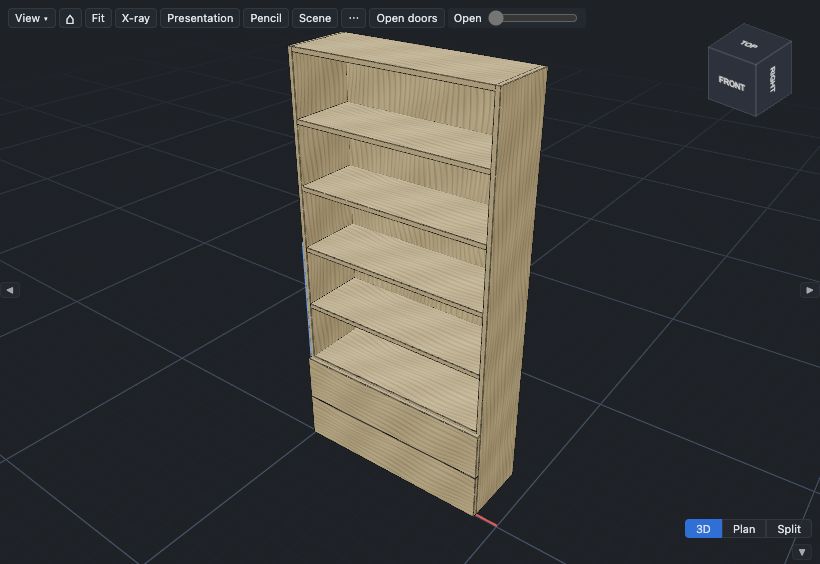
This page puts two drawers in the bottom of the bookcase from Build a cabinet, bookcase or wardrobe. Choose the runners before you cut the drawer boxes: the runners set the size of each box.
Add drawers to a cell#
Drawers go in a cell of the Layout grid. The bookcase has one cell, so first split it into two rows.
- Select the bookcase.
- In the Layout section, click cell A1 in the grid.
- Click Split into rows.
- At Row heights, change row 2 from Auto to Fixed.
- In the row 2 field, type
400and press Enter. - Click cell A2.
- Click Contents….
- At Contents, select Drawers.
- In Number of drawers, type
2. - Click Apply to A2.
Row 2 is a clear opening 400 mm high with two drawers. A fixed shelf goes above the drawers, and the four shelves stay in cell A1. A cell with drawers has no shelves. In a carcass with more columns, Split into rows divides only the selected cell: the other columns do not change. The drawers do not make the bookcase stable, so the tip check still tells you to fix it to the wall.
The drawer fronts follow the fronts of the doors. For the box material, the bottom and the corner joint, see the Drawers and Joints tables in Carcass parameters.
The drawer bottom is in grooves in the sides and the box front, and the back sits on it. You slide the bottom in from the back after the glue-up, and screw it to the back. For a bottom in grooves in all four parts, set Drawer bottom to Captured in grooves. Undermount runners always use that bottom.
Choose the runners#
- In the Layout section, click All settings.
- In the group Drawers, at Runners, select the runner that you buy, for example Blum TANDEM, undermount.
- If an error about the side thickness shows, the runners do not change. At Drawer box material, select a board that the runner takes, then select the runner again.
Ball-bearing runners go on the sides of the box, with a gap of Runner side clearance (ball-bearing) on each side. The other runners are undermount runners: they go under the box, and you do not see them when the drawer is open. Each undermount runner takes only some side thicknesses, and has its own rules for the box size. Drawer runners gives them.
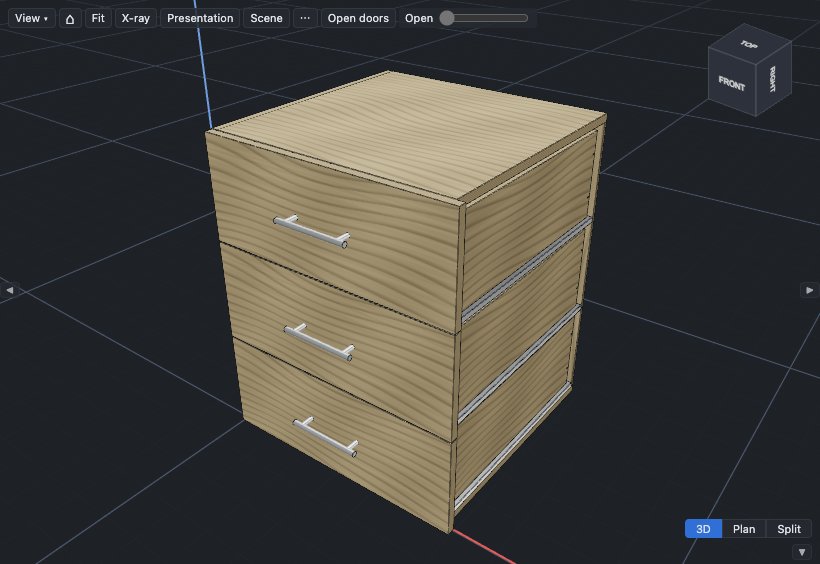
The runner part numbers and the locking devices go in the BOM, not in the cut list.
Open the drawers with a push#
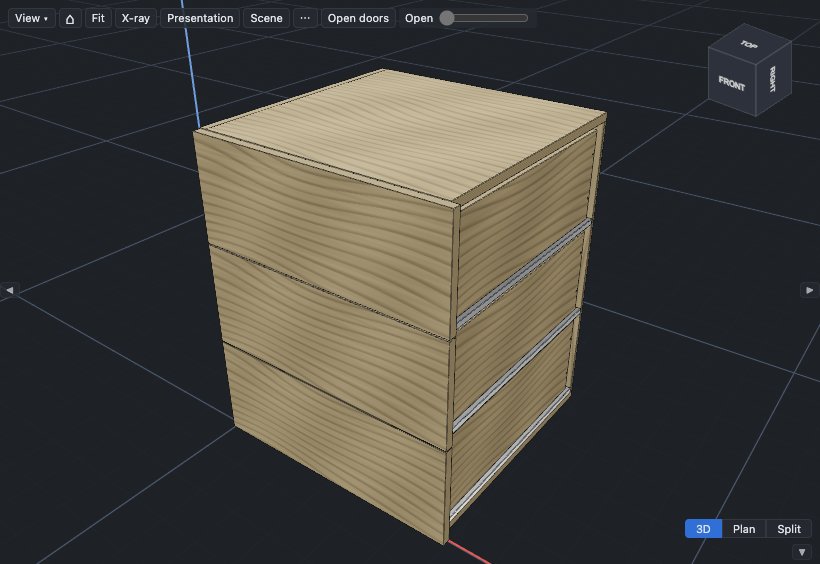
Push-to-open drawers need no handles, for a plain front.
- At Runners, select an undermount runner, for example Blum TANDEM, undermount.
- At Drawers open by, select Push to open.
- If a warning says that the gap round each drawer front is too small, click its Gap 3.5 mm button.
The drawer fronts lose their handles, and the push-to-open parts go in the BOM. Doors keep their handles. Drawer runners gives the smallest gap for each runner.
Find where to fix the runners#
- Open a drawer: double-click its front.
- In the Model panel, expand Bookcase ▸ Drawer 1.
- Click Runner cabinet member L.
- Read its notes at the bottom of the Properties panel.
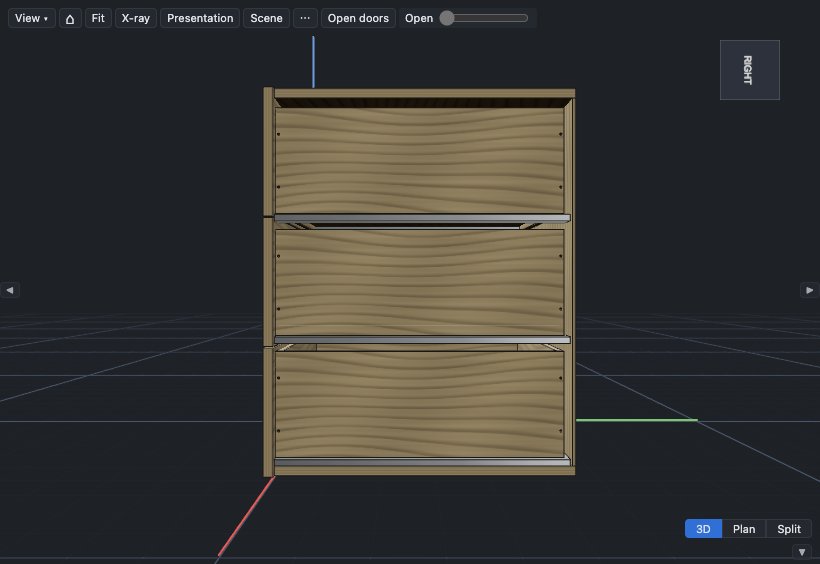
The notes give the height of the runner above the carcass bottom, its distance back from the front edge, and its front screw line.
Next: Make doors and drawers open.