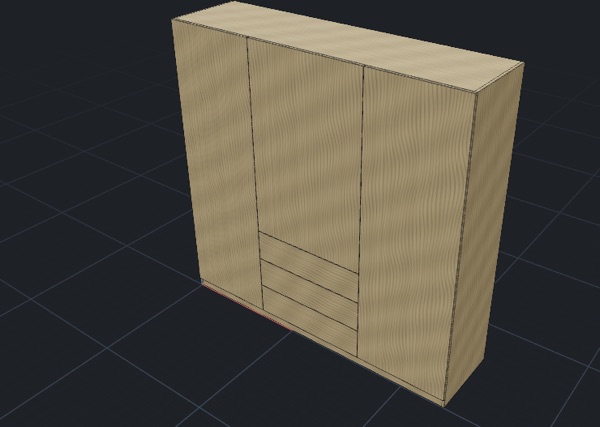
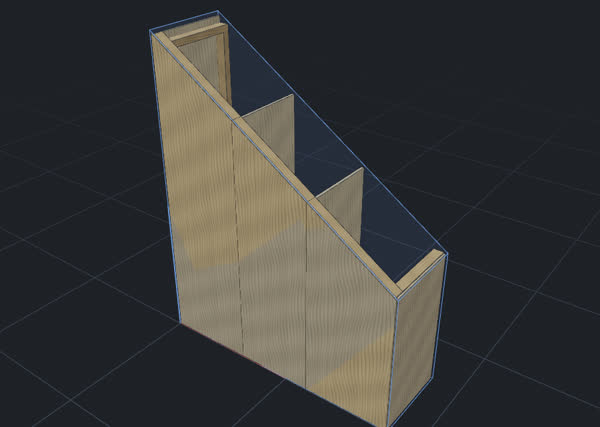
Wardrobes, shelves and workbenches, designed before you cut.

Got a project you've been meaning to build? Draw it yourself or get a hand from the assistant, and see how it could look in your home before you buy the boards.

Join the waitlist

Drawing by hand is free for personal use. AI help is pay-as-you-go. No compulsory subscription.
In beta, by invitation for now. I’m a Founding Maker →

A replay of a real design. The modelling, cut list, renders and AI costs are real; the assistant's replies are scripted for the video.

A REAL PROJECT

From a notepad sketch to a cut list.

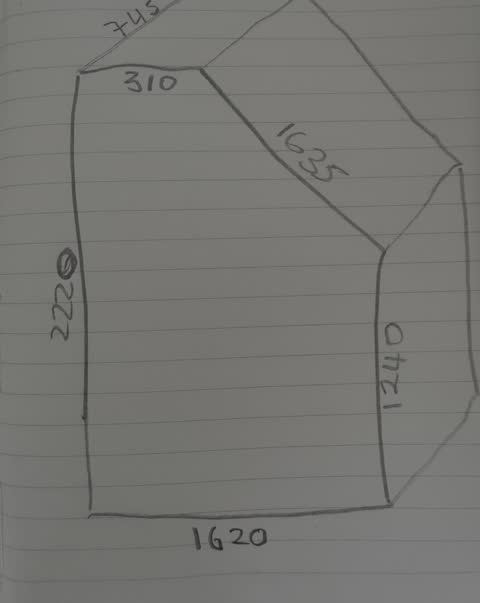
A fitted wardrobe under the sloping ceiling in our loft. It started as a pencil sketch.

  1. Pencil sketch on lined paper of the loft space, with its measurements written on

    1The sketch, photographed

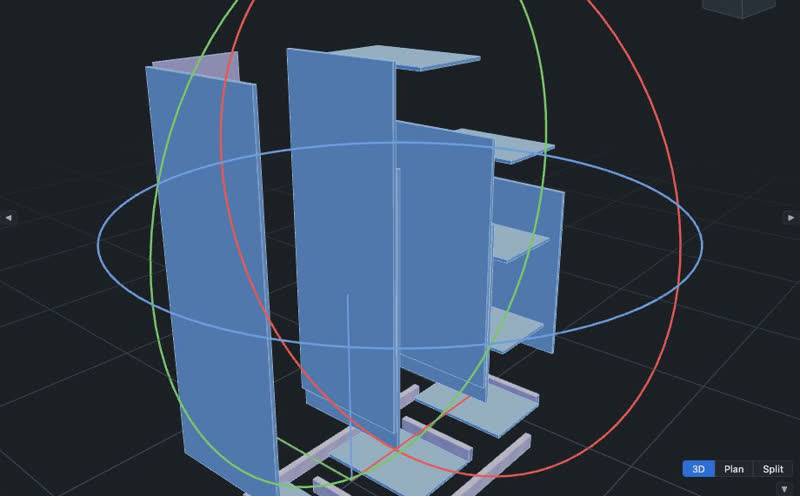
  2. Exploded 3D view of the wardrobe's panels and base frame

    2An editable 3D model

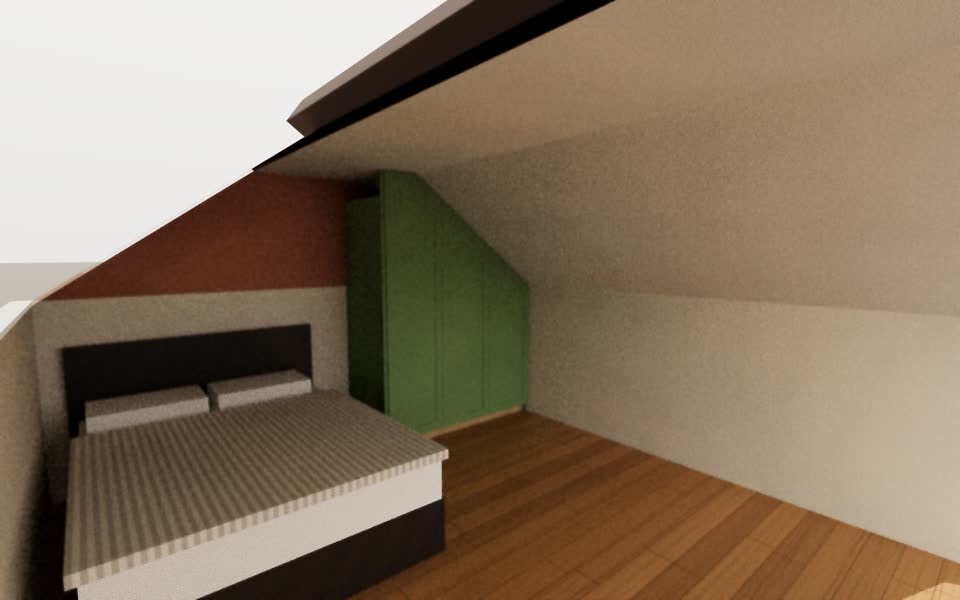
  3. Path-traced render of the loft bedroom with the green wardrobe

    3A render of the room

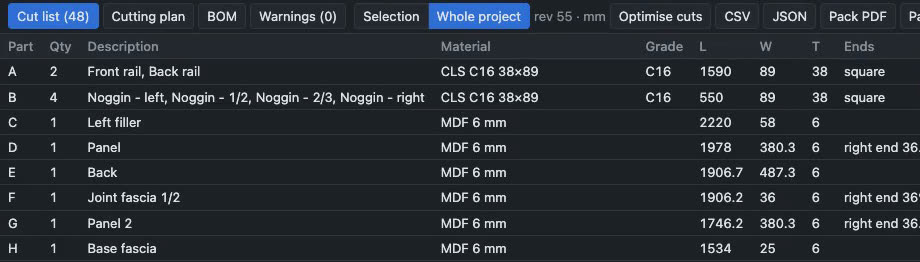
  4. KerfCraft cut list with parts, quantities, materials and sizes

    4A cut list to check against my measurements

SEE IT FIRST

Make sure you like it before you make it.

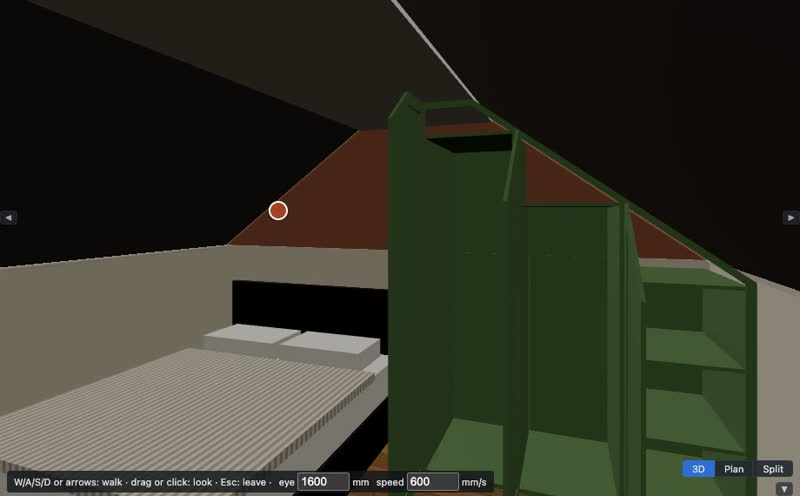
My wife wanted a say in that wardrobe, and rightly so: we'll live with it for years. Walk round it at eye level, try a different look, and get everyone's opinion before you start cutting.

Walking through the loft bedroom at eye level, towards the open wardrobe
WALK ROUND IT
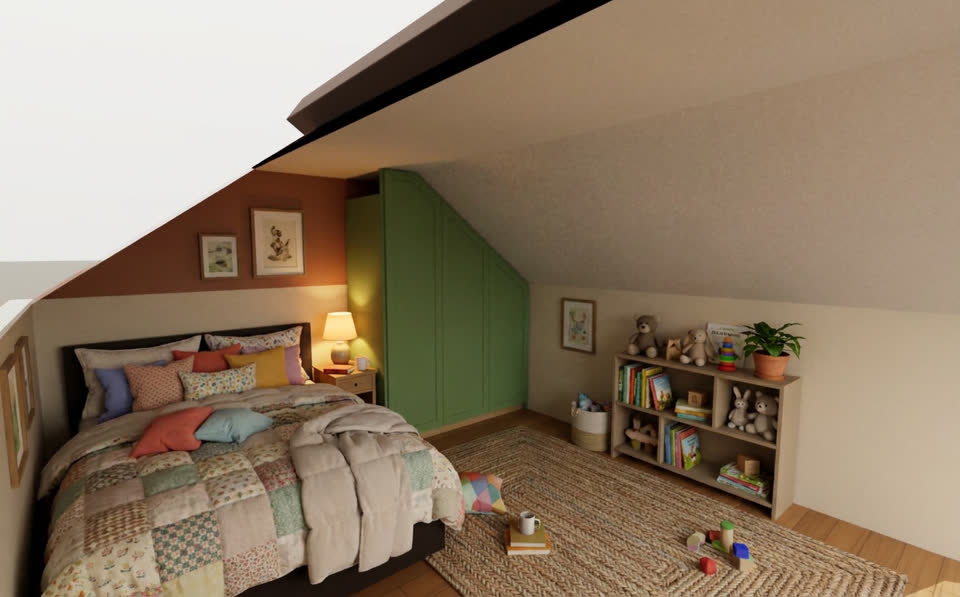
The same room restyled by AI as a lived-in child's bedroom
RESTYLED WITH AI

An illustration, not a measurement: nothing is added to your model.

HOW YOU WORK

AI is another tool in the toolbox.

Enjoy drawing? Do it yourself. Want a head start? Ask the assistant. Take over, change things by hand, or hand more back whenever you like.

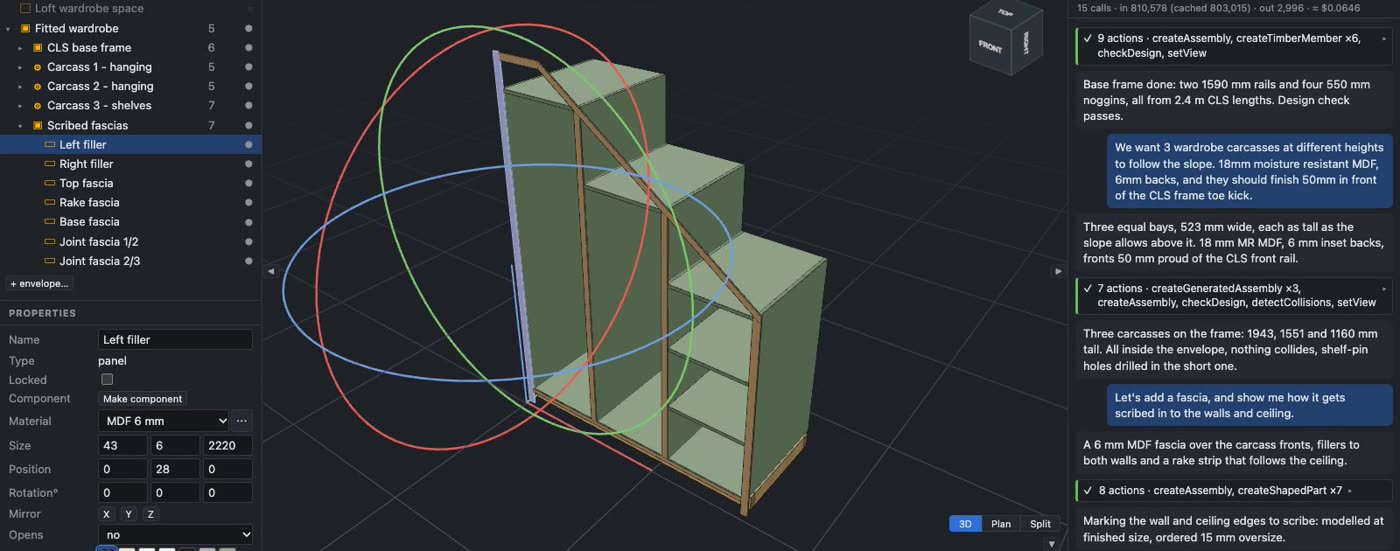
KerfCraft with a filler panel selected: rotate handles in the 3D view, its size typed in the properties panel, and the assistant conversation alongside.
  • Click a part and type its size
  • Drag the rings to rotate it
  • Or ask in plain words

MATERIALS AND PARTS

More than drawing boxes.

Work with MDF, birch ply and CLS in the sizes you can actually buy. Work out what you'll need before buying the boards.

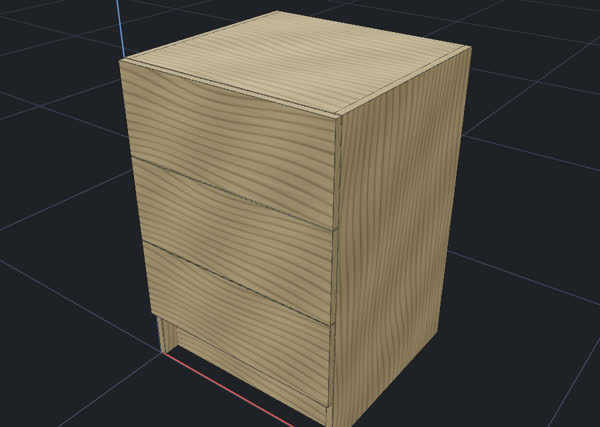
Live models from KerfCraft's built-in samples. Drag one round; sizes are representative.

Loading the model…The model didn't load. Close and try again.

Drag to turn · scroll or pinch to zoom

Exported from KerfCraft's built-in sample. Sizes are representative: check your own.

Your designs. Not ours.

Work saves in your browser, which can be cleared, so keep a .kerf copy too. Export STEP, glTF, DXF or IFC, and cut lists as CSV.

PRICING, AND WHY

Make things. Not monthly payments.

I'm a software engineer who likes woodworking, and I build one or two big things a year. When my CAD subscription came up for renewal at nearly £400, I couldn't justify it. That's about £200 a project. I asked for a refund and got one.

Cost wasn't the only problem. Even when I knew what I wanted, say a wardrobe in 18 mm MDF under a sloping ceiling, getting it into a useful model was tedious. Then I wouldn't open the software again for six months.

Subscriptions make sense if you design every day. For the rest of us, I wanted something fairer, so I built it.

  • Drawing by hand is free for personal use
  • The assistant is pay-as-you-go, with a running total as you work
  • No compulsory subscription. Heavy users may get optional plans later
  • Built independently

See the AI prices →

QUESTIONS

Questions.

Is it free?

Drawing by hand is free for personal use. You pay for the AI assistant as you use it, with no compulsory subscription. There are no business plans yet, so during the beta business use is free too. While it's in beta, access is by invitation.

Do I need CAD experience?

No. Describe it or show it a sketch and the assistant roughs it out for you to refine. If you know CAD, draw it yourself. You can switch between the two at any point.

Can I cut straight from the cut list?

Check it first. The cut list and cutting plans are worked out from the model, so they're only as right as the model and the measurements behind it. Parts it can't vouch for are marked check before cutting, with the reason.

Is it structurally checked?

No. Its design checks look for parts that overlap and parts that stick out of the space you measured. They don't assess strength, loads, fixings or building regulations. That judgement stays with you.

Where are my projects saved?

In your browser, on your device: work autosaves as you go. Browser storage can be cleared, so download a .kerf file to keep a backup or move a project to another computer, and open it with File ▸ Open file….

Can I export my work?

Yes: STEP for other CAD tools, glTF/GLB for 3D viewers and Blender, DXF for 2D CAD, CNC and laser, IFC4 for BIM tools, plus cut lists (CSV, JSON), workshop packs (PDF, XLSX) and drawing sheets (PDF, DXF). Only .kerf keeps everything editable in KerfCraft.

What does the AI cost?

You top up credit from $15 and pay for AI use as you go. The assistant panel shows a running total for each project, and every model's price is on the pricing page.

Got something to build?

KerfCraft is in beta, so expect rough edges. Try it on your next project and tell me what's missing.